

- Crossplay
- PC
- Xbox
- PlayStation
ARK: Survival Ascended server hosting
Coming soon, if we get a hosting license
- CurseForge mods in one click
- Taming, breeding and XP rates with sliders
- Every official map you own
- Cluster transfers between your maps
- Automatic off-site backups
- Stays awake for the server list
- DDoS protection included
- Europe and US East
- Secure payments by Stripe
Coming soon
ARK: Survival Ascended servers are on the way
ARK: Survival Ascended's server licence allows personal, non-commercial use only, and its publisher lets just one company rent ARK servers. ARK opens on Wilderack only if we obtain a commercial hosting licence.
Plans will start at 12 GB, with 16 GB recommended for most groups.
Made for ARK
Why host ARK: Survival Ascended with Wilderack
Crossplay that keeps working
Steam, Xbox and PS5 players join together, and CurseForge mods keep crossplay on.
CurseForge mods in a click
Pick mods in the panel and we keep the mod list and load order in sync.
Rates on sliders
Taming, experience, gathering and wild dino levels, without editing ini files.
Every official map
Start on The Island and switch to Scorched Earth, Ragnarok, Valguero, Astraeos and more.
Every server includes
A panel that does the hard parts
Robust control
Everything you need to run your server, in a panel that works on your phone too.
- Integrated file managerEdit configs, upload worlds and manage mods right in your browser.
- Web and SFTP file accessUse the browser or your favorite SFTP app, whichever you like.
- Live server consoleWatch the log stream in real time and run commands as you play.
- Automate your tasksSchedule restarts, backups, updates and commands so they run on their own.
Easy life
The boring bits are done for you, so you can get back to playing.
- Free subdomainA short, easy address to share with friends instead of a string of numbers.
- One-click modsAdd mods from CurseForge in one click, and they update themselves every time the server starts.
- Save and swap gamesSwitch your server to another game whenever you want, with no swap fees. Your old world is saved.
- DDoS protectionAttacks are filtered at our gateway before they ever reach your server.
Smart by design
Built from scratch on modern infrastructure, not a decade-old panel.
- Always on, always listedYour ARK server never sleeps, so it keeps its place on the public server list.
- Daily off-site backupsWorlds are copied to separate storage every day, with one-click restore.
- Fast NVMe storageWorlds load quickly and autosaves never stall the game.
- Europe and US EastPick the region closest to your friends for the lowest ping.
Know your game
About ARK: Survival Ascended
ARK: Survival Ascended hosting isn't open yet. ARK's server license only allows personal, non-commercial servers, and its publisher lets just one company rent them. We will open ARK if we get a commercial hosting license. Join the waitlist to hear first.
Facts checked November 2026. Spotted something out of date? Email support@wilderack.com.
- Made by
- Studio Wildcard
- Genre
- Dinosaur survival
- Release
- Released October 2023
- Who can join
- PC, Xbox and PlayStation
- Crossplay
- Steam, Xbox and PS5 players can all join a PC-hosted server from the unofficial server list when crossplay is on. CurseForge mods keep crossplay working.
- Players
- Set by you; limited by RAM
- Recommended RAM
- 16 GB (12 GB minimum, 24 GB for mods)
Guides
Run your ARK server
Setting up, getting friends in, configs, mods, backups and fixes for common errors, in plain words. Every guide links the sources it was checked against.
All 8 ARK guides- Getting started
How to make an ARK Survival Ascended server
Create an ARK Survival Ascended server, pick a map and plan, make yourself admin and let PC and console friends join through the server list.
- How to connect
How to connect to your ARK Survival Ascended server
Join your ARK Survival Ascended server from the unofficial server list on PC, PlayStation and Xbox, or by address on PC, and fix it when it won't connect.
- Config reference
ARK Survival Ascended server config reference
Where your ARK Survival Ascended server settings live, what the main GameUserSettings.ini and Game.ini options do, the map list, and admins, whitelist and bans.
- Mods and plugins
How to add mods to your ARK Survival Ascended server
Install CurseForge mods on your ARK Survival Ascended server in one tap or by project ID, and learn how players get them on PC, PlayStation and Xbox.
- Backups and your world
ARK Survival Ascended server backups and saves
How backups work on your ARK Survival Ascended server, where the save files live, and how to bring a single-player world or a world from another host.
- Performance tips
ARK Survival Ascended server performance and RAM
How much RAM your ARK Survival Ascended server needs, the settings that cost the most, and how to keep a busy server with many tames running smoothly.
- Common errors
Fix common ARK Survival Ascended server errors
Fix the ARK Survival Ascended server problems players hit most, from a server missing in the list and failed joins to mod errors and enablecheats.
- More guides
ARK Survival Ascended admin commands
Become admin on your ARK Survival Ascended server with enablecheats, then use the commands for flying, teleporting, kicking, banning and saving.
Free tools
Free ARK tools
Every free tool- ARK
ARK: Survival Ascended server settings generator
Pick a preset or tune every rate, then copy the GameUserSettings.ini, Game.ini and launch line your ASA server needs. Only the settings you change are written, and you can import your current files to edit them.
- Every game
How much RAM does my game server need?
Pick your game, how many friends will play and how modded it is. You get the plan size that keeps it smooth, the bare minimum, and a size with room to grow.
ARK: Survival Ascended server hosting FAQ
When can I rent an ARK: Survival Ascended server?
Only if we get a commercial hosting license. ARK's dedicated server license allows personal, non-commercial use, and its publisher lets just one company rent ARK servers. Join the waitlist to hear if that changes.
How much RAM does an ARK: Survival Ascended server need?
ARK needs at least 12 GB. 16 GB suits about 20 players, and modded servers or bigger maps do best on 24 GB or more.
Can Xbox and PlayStation players join?
Yes. With crossplay on, Xbox and PS5 players find your server in the unofficial server list. Use CurseForge mods, which keep crossplay working.
How do players find my server?
Choose Join Game, switch to Unofficial and search for your server name. PC players can also join by address from the console.
Why does my ARK server take a while to start?
ARK loads a huge world, so a start can take several minutes. That is why ARK servers stay awake by default instead of napping.
Can I switch to a different game later?
Yes. Swap your server to any game your plan can run, as often as you like, with no swap fees. Your old world is saved so you can switch back.
How old do I need to be?
Wilderack is for players aged 13 and up. If you are under 18, a parent or guardian needs to agree to the purchase.
More games to host
View full game library Mods
Minecraft
- PC and Mac
- Xbox, PlayStation and Switch
- Mobile
from $6.49a month

 Waitlist open
Hytale
- PC and Mac
from $11.99a month

 Crossplay
Palworld
- PC and Mac
- Xbox and PlayStation
from $23.99a month
 Mods
Rust
- PC
from $35.99a month

 Mods
Valheim
- PC and Mac
- Xbox
from $11.99a month
 Sleeps when idle
Enshrouded
- PC
from $17.99a month

 Mods
Project Zomboid
- PC and Mac
from $23.99a month
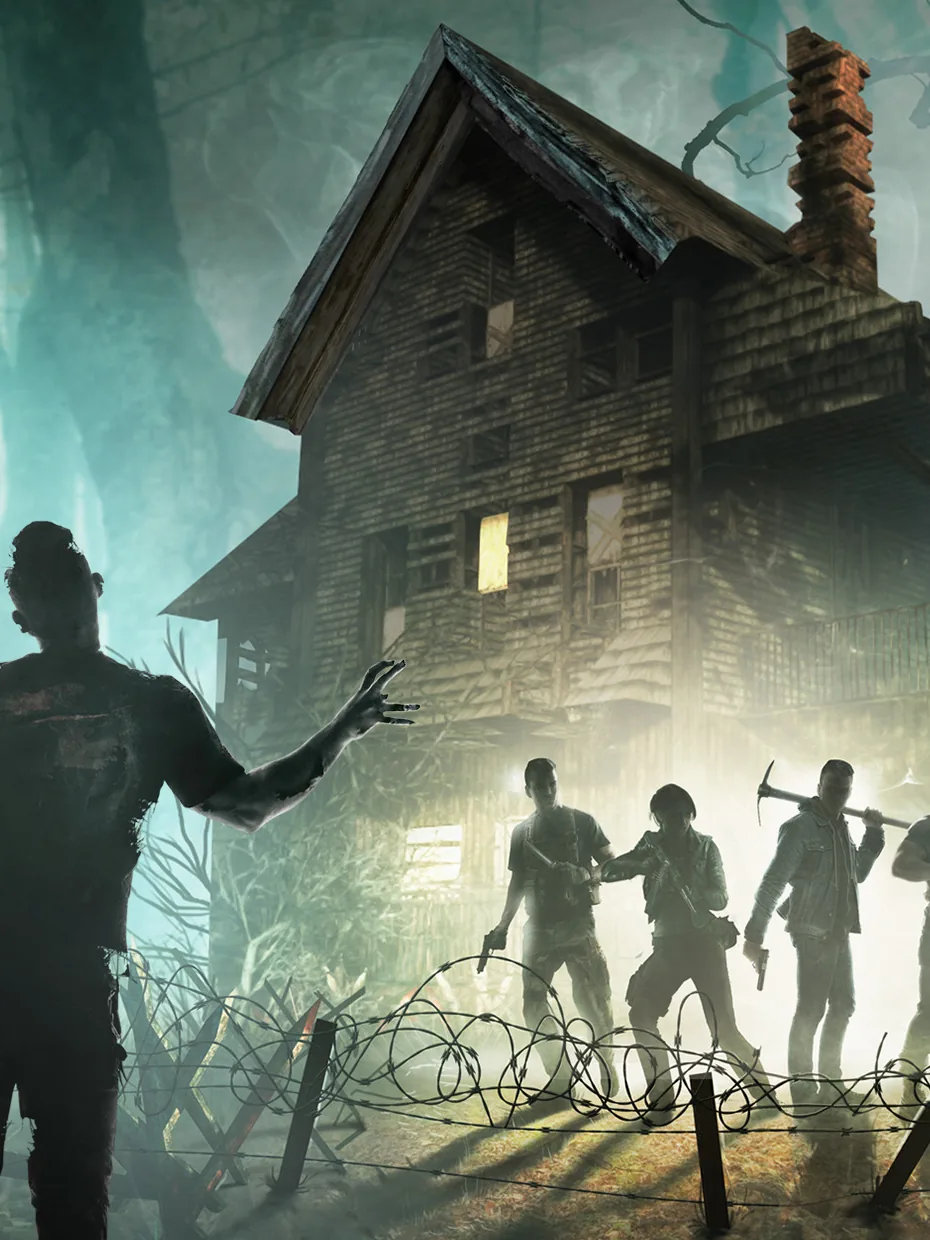 Sleeps when idle
7 Days to Die
- PC
from $23.99a month
 Mods
Terraria
- PC and Mac
from $6.49a month

 Mods
Garry's Mod
- PC and Mac
from $6.49a month
ARK: Survival Ascended is a trademark of Studio Wildcard. Wilderack is not affiliated with or endorsed by Studio Wildcard.