
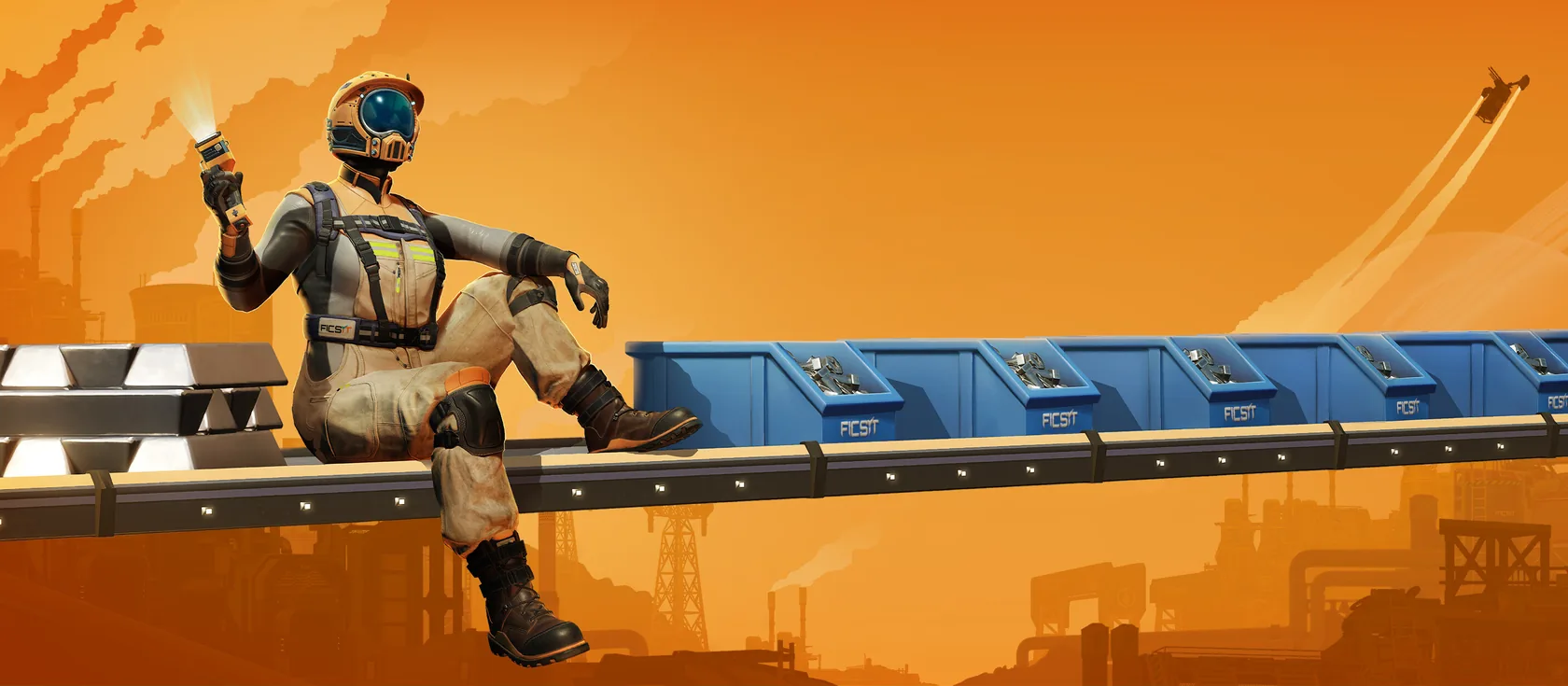
Satisfactory mods come from ficsit.app, the community mod repository, and run on the Satisfactory Mod Loader (SML). Coffee Stain doesn’t make or support them, but the modding community keeps them working with each update. On your server, install mods from the Mods tab in one tap. Every player then needs the same mods on their PC.
How Satisfactory mods work on a server
- The server needs the mod loader and the server version of each mod.
- Not every mod supports dedicated servers. On ficsit.app, a mod that does has a check mark under Server in its latest version.
- Every player needs the same mods, at the same versions, or they can’t join.
- Some mods only matter on one side. A mod that changes your own screen may only be needed on players’ PCs.
Install mods from the Mods tab
- Open your server in the panel and go to Mods.
- Search for a mod by name. Only mods that work on a dedicated server are offered.
- Tap install. The panel shows what it will add, including any mods it depends on.
- Confirm. We make a backup first, then install it. The first mod also installs the mod loader.
- Restart the server when the panel asks, so the mod turns on.
You can install mods while the server sleeps. They turn on the next time it starts.
Mods never update on their own, because updates can break saves. When an update is out, the Mods tab shows it with its changelog. Update when your whole group is ready.
What your friends need
Each player installs the same mods on their PC with Satisfactory Mod Manager (SMM), which you can get from smm.ficsit.app.
- In SMM, make a profile for your server, like
assembly. - Add the same mods your server has. The What your friends need card in Mods lists them.
- Export the profile and send the file to your friends.
- Each friend imports it in SMM, then starts the game from SMM.
When the mods and versions match, friends join the usual way from the Server Manager.
Install with Satisfactory Mod Manager over SFTP
If you already use SMM, it can manage your server too. It connects with SFTP (a safe way to send files).
- Stop the server from Overview. A running server locks its mod files.
- Open Files and find the SFTP card. It shows the host, port
2022, your username and password. - In SMM, open Manage Servers under Other and add a server with those details.
- For the path, use the folder that holds
FactoryServer.sh. - Pick the server from SMM’s game list, then install mods as usual.
- Start the server from Overview.
Install mods by hand
The modding team doesn’t support manual installs, and we don’t recommend them. If you must:
- Mods go in
FactoryGame/Mods/on the server. - Use the Linux server build of each mod from ficsit.app, plus every mod it depends on, plus SML.
- Never copy the
Modsfolder from your PC. PC builds don’t run on the server.
Upload the files in Files or over SFTP while the server is stopped.
Mod settings and new saves
- Mod settings. Some mods keep settings in a config file. Set them up in your own game first, then copy the file to the same place on the server. Mismatched settings can cause odd problems.
- Options chosen at save creation. Some mods ask for choices when you make a new game. Make the save on your PC, then upload it. See Satisfactory backups and saves.
Game updates and mods
After a big Satisfactory update, many mods stop working until their authors catch up. A broken mod can stop the server from starting.
- Before a big update, pin your game version in Settings. Your server then stays on the version your mods support.
- Unpin it once the mods you use show the new version on ficsit.app.
- Update the mods from Mods and your friends’ SMM profiles at the same time.
If the server won’t start after a mod change
- Open the Console. If the crash helper recognises the problem, follow its fix.
- Remove the mod you added last from Mods, then start again.
- Still stuck? Restore the backup we made before the install, from Backups.
More fixes are in Fix common Satisfactory server errors. Mods also use more RAM, so check performance tips before adding big ones.
Questions
Can I use mods on a Satisfactory dedicated server?
Yes, as long as each mod supports dedicated servers. Install them from the Mods tab, which adds the mod loader too. Every player then needs the same mods on their PC.
Do my friends need the same mods as the server?
Yes. Players need the same mods, at the same versions, to join a modded Satisfactory server. Satisfactory Mod Manager profiles make this quick to share.
Will a Satisfactory update break my mods?
Often, for a few days. Mods need an update from their authors after big game updates. Pin your game version in Settings before a big update if your group relies on mods.
Sources we checked
- Installing mods on a dedicated serverSatisfactory Modding documentation
- Satisfactory Mod ManagerSatisfactory Modding documentation
- Satisfactory Mod RepositorySatisfactory Modding
